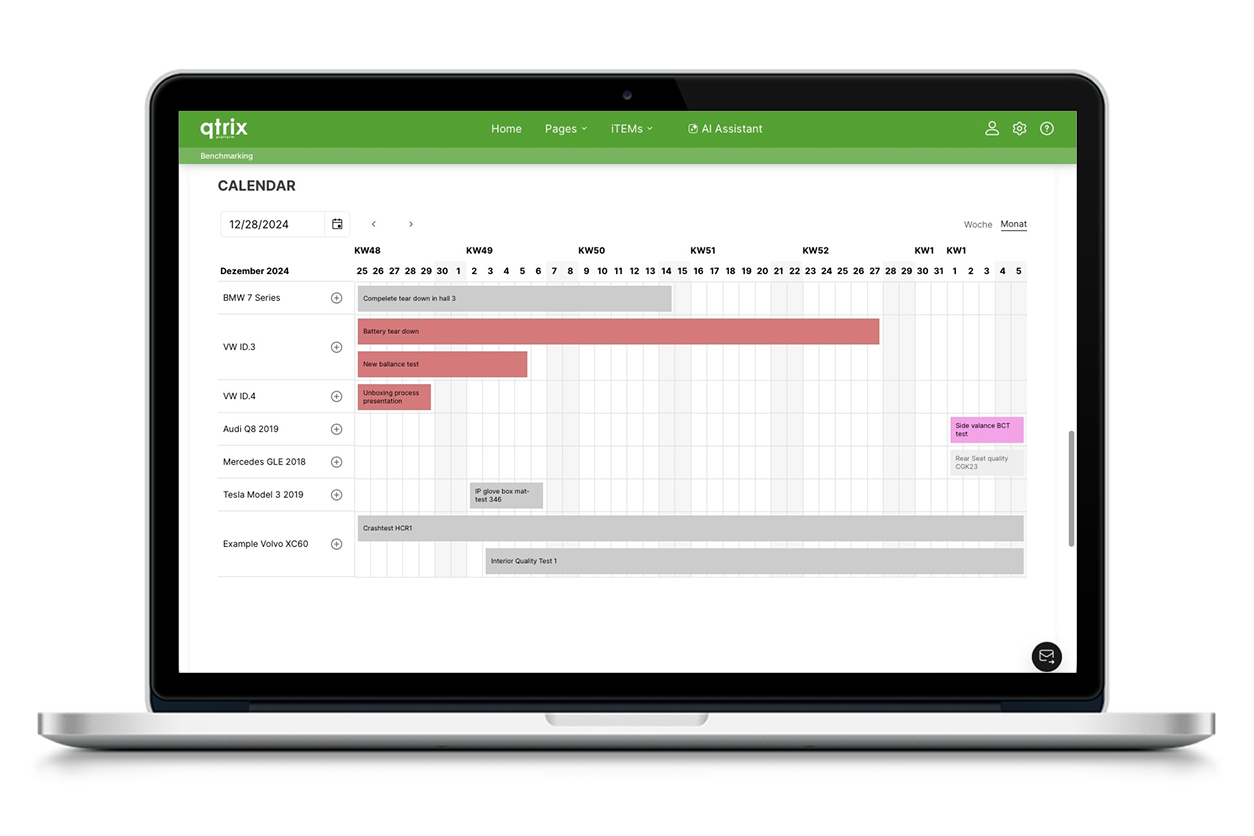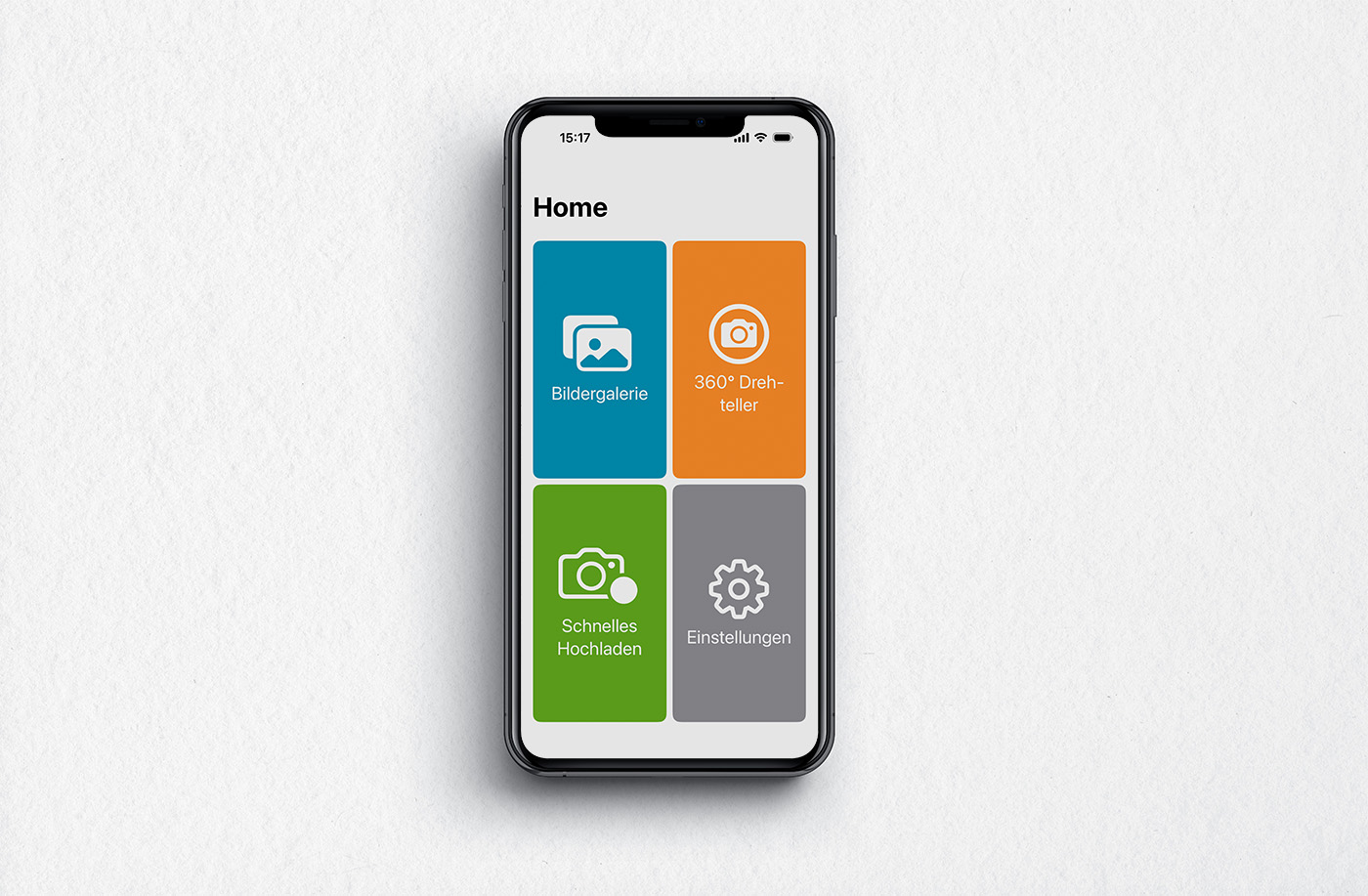
Capture images – and use them directly in QTRIX
Without the app, this often involves several additional steps: capturing photos with a smartphone, transferring them to a PC, saving them in the correct folder, and then manually uploading them to QTRIX.
With the QTRIX Camera App, this detour is eliminated—images can be inserted directly from the cloud into the desired form field.
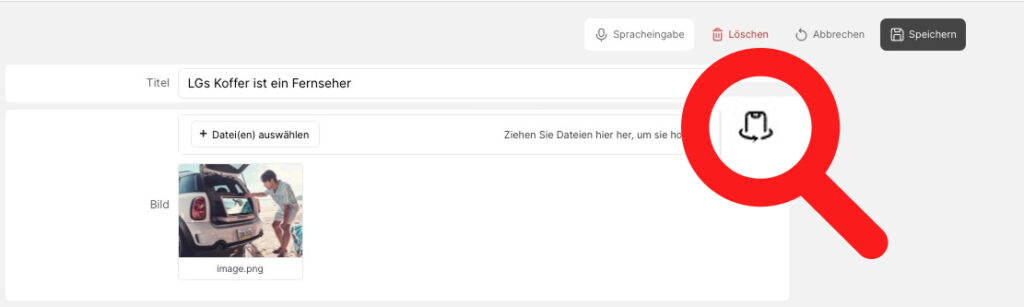
Automatically generate 360° images
A key feature is the support for the Calidat 360° turntable. In combination with the app, the turntable can be controlled directly. The app automatically captures the individual images and then saves them in QTRIX. At the push of a button, 360° views of components or products are generated, which can be displayed interactively within the system. Users can rotate the object, zoom in, and examine details from different perspectives—almost like a 3D model. Optionally, the app can even automatically remove the background from the images.